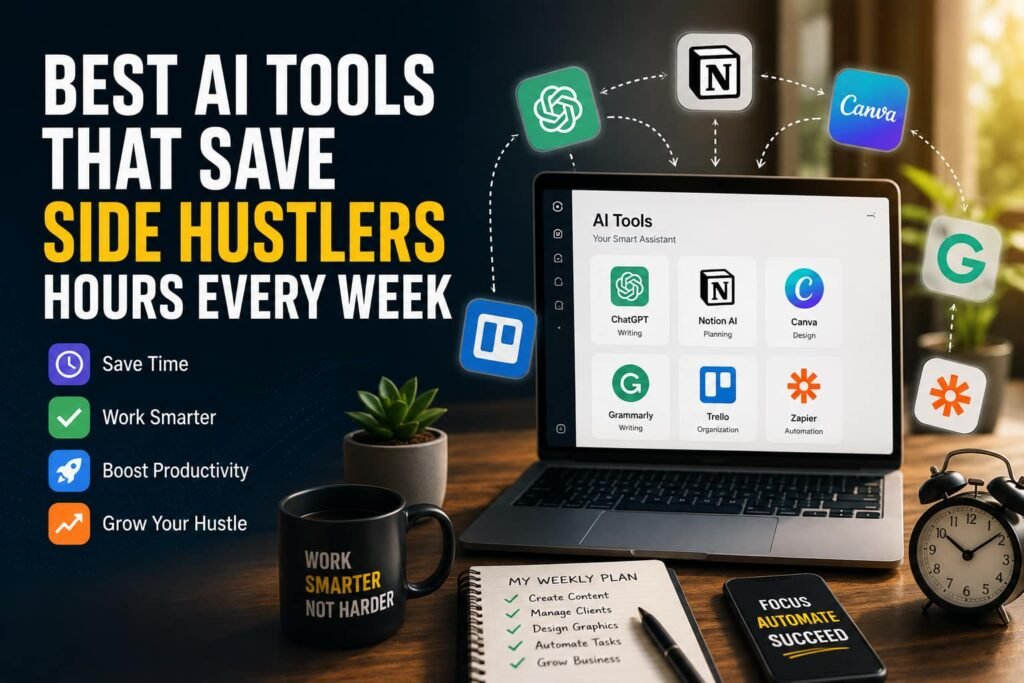

A side hustler running something around a full-time job has maybe eight to ten usable hours a week to give it, scattered across tired evenings and busy weekends. That scarcity is the whole reason AI tools matter here. Not because they are clever or new, but because the only thing worth asking of any of them is a single, blunt question: does this genuinely hand some of those hours back? Most breathless AI tool lists never ask it. They list tools because the tools exist. This guide is organised around the hours, because the hours are the thing you actually do not have.
Used well, AI tools for side hustlers genuinely save time. Freelancers who adopt them consistently report reclaiming something like eight hours a week, mostly from the admin and drafting that surrounds the real work. Used badly, AI quietly does the opposite, eating the time it promised to save in prompt-fiddling and output-checking. So this is not a ranked list of apps that will be out of date within months anyway. It is a durable map of where AI actually saves a side hustler time, where it does not, and how to tell the difference — with current tools named only as examples of each job, not as the point.
Where AI Tools for Side Hustlers Genuinely Save Time
AI’s time savings are not spread evenly across your work. They concentrate in a few specific kinds of task, and knowing which lets you point it at the right things instead of everywhere. The pattern, across every category below: AI is fast at producing a rough first version of something, and at handling repetitive mechanical work. Those are exactly the parts that used to eat your scarce hours.
Writing and First Drafts
This is the highest-impact category for most side hustlers, because so much of the work involves producing words — proposals, client emails, product descriptions, posts, outlines. General assistants like ChatGPT, Claude and Perplexity turn the slowest part of writing, the blank page, into the faster part, editing. Asking one to draft a proposal from your notes, or rough out a week of post ideas, or summarise a long document you would otherwise have to read in full, reliably saves the most time of anything here. The saving is real precisely because a rough draft is genuinely useful and genuinely fast. The work that remains is shaping it, which is quicker than starting cold.
Design and Visuals
Design work that once required either skill or hiring someone is now within reach of a side hustler with neither. Canva’s AI features and image generators produce social graphics, simple branding, product mockups and presentation visuals fast enough that the design step stops being a bottleneck. For someone selling templates, running social accounts, or making listings look professional, this collapses hours of fiddling into minutes. The key is to treat the output as a strong starting point to adjust, rather than a finished product to accept blindly.
Meeting Notes and Transcription
A genuinely underrated time-saver: tools like Otter and Fireflies join or process calls and produce transcripts and summaries automatically. The half-hour you used to spend writing up what was agreed becomes seconds. For any side hustle involving client calls, this quietly removes one of the most tedious recurring admin tasks there is.
Scheduling and Admin Automation
The biggest single pool of reclaimable time for most people is the admin orbiting the actual work — scheduling, follow-ups, invoicing reminders, moving information between apps. AI scheduling tools that go beyond a simple booking link, and automation tools like Zapier that connect your apps and handle repetitive steps between them, are where five to ten hours a week genuinely hides for a busy side hustler. Set up once, they run quietly and remove the small recurring tasks that interrupt your scarce focus.
Where AI Quietly Costs You Time
Being honest about the limits is what makes the savings real, because pointing AI at the wrong tasks is how people end up busier, not freer. AI does not save time on everything, and on some things it actively loses it.
Anything that demands accuracy you cannot verify quickly is a trap. AI confidently produces wrong facts, figures and details, so any output you would have to fact-check line by line may take longer to verify than it would have taken to do yourself. Anything that must carry your genuine voice — the personal email to a valued client, the post that sounds like you — often needs so much rewriting to remove the generic AI tone that the draft saved you nothing. And anything requiring real judgement, the actual expert decision at the heart of your work, is not something to hand over at all. That is the part clients and customers are paying you for.
The trap that catches people: spending forty minutes coaxing an AI tool to produce something that would have taken twenty to do yourself, then another twenty checking it is not subtly wrong. The time saving only appears on the right kind of task — repetitive, first-draft, mechanical, low-stakes. If you find yourself fighting the tool, or anxiously verifying its every claim, it has stopped saving you time on that task. Notice when that is happening and simply do the thing yourself. Recognising it is part of using AI tools well.
Build a Small Stack, Not a Big One
The instinct, faced with hundreds of AI tools for side hustlers, is to collect them. Resist it. The side hustlers who actually save time use a deliberately small set — roughly one tool for each job that genuinely eats their hours, and nothing more. A general assistant for writing and research, one design tool, and one automation or scheduling tool is a complete stack for most people. Adding a fourth and fifth tool you barely use does not save more time. It adds the overhead of learning, paying for and switching between them.
Choose your stack by looking honestly at where your own hours actually go. Track a normal week, notice which recurring tasks consume the most time, and add an AI tool only for those. Not for tasks that are already quick, and not because a tool is popular. The right stack is small, matched to your specific work, and mostly built from free or low-cost tiers you keep only if they earn their place. Start free, test whether a tool genuinely saves you time over a couple of weeks, and drop anything that does not.
A practical example as of 2026: a freelance side hustler might use one general assistant to draft proposals and client emails, Canva’s AI to produce visuals, and one automation tool to handle invoicing reminders and scheduling. Three tools covering the three jobs that ate the most time, each adopted only after noticing those tasks were the bottleneck. The specific tools will change; the method of choosing them by where your hours actually go will not. That is the part worth keeping.
The Rule That Makes Any of This Work
One principle sits underneath everything above, and it is the difference between AI saving you time and quietly wasting it: fix the process before you automate it. Pointing an AI tool at a messy, badly-organised task does not fix the task. It just makes a mess faster, and often creates new work cleaning up after it. Sort out how a task should actually work first, then use AI to speed up the now-sensible version. Automating something broken is the most common reason AI tools disappoint the people who adopt them.
The companion principle: AI assists, it does not replace your judgement, and the final review is always yours. Every tool works best when you give it a clear instruction and check what comes back, treating it as a fast junior helper rather than an oracle. The side hustlers who get the full eight hours back are the ones who direct AI deliberately at the right tasks and review its output. Not the ones who hand it everything and hope.
The Best AI Tool Is Whichever One Hands Back Your Hours
The best AI tools for side hustlers are not whichever ones are trending this month. They are whichever ones genuinely hand back some of the handful of hours you have, on a task that was actually costing you those hours. That filter quietly eliminates most of what the AI tool lists push, and it keeps working no matter how many new tools launch. It is about your time rather than the tools themselves.
Point AI at the drafting, the repetitive admin, the rough first versions, and the mechanical work it is genuinely fast at. Keep it away from the accuracy, the voice and the judgement it is bad at. Build a small stack matched to where your hours actually go, fix your process before you automate it, and review what it produces. Do that, and AI becomes what the scarce-hours side hustler actually needs — not another thing to manage, but a few hours quietly returned to the week.
For the free tools worth adding to any AI stack, the guide on best free tools every side hustler needs covers what to set up and what to skip. And for turning those saved hours into a side hustle that runs smoothly around a job, the guide on how to set up a simple side hustle system covers the next step.