
This article reflects the free tiers of these tools as of 2026. Free plans change often — tools add limits, alter features or remove free tiers entirely. Verify the current free offering on each tool’s own site before relying on it.
The tools matter far less than you think. It is tempting, when starting a side hustle, to spend the first week assembling a perfect stack of apps. That week is almost always procrastination dressed up as preparation. What you actually need to begin is a handful of free tools that cover the basic jobs every side hustle involves, and the discipline to start before the stack feels complete. The goal is to spend nothing and start now, not to build the ideal toolkit and start later.
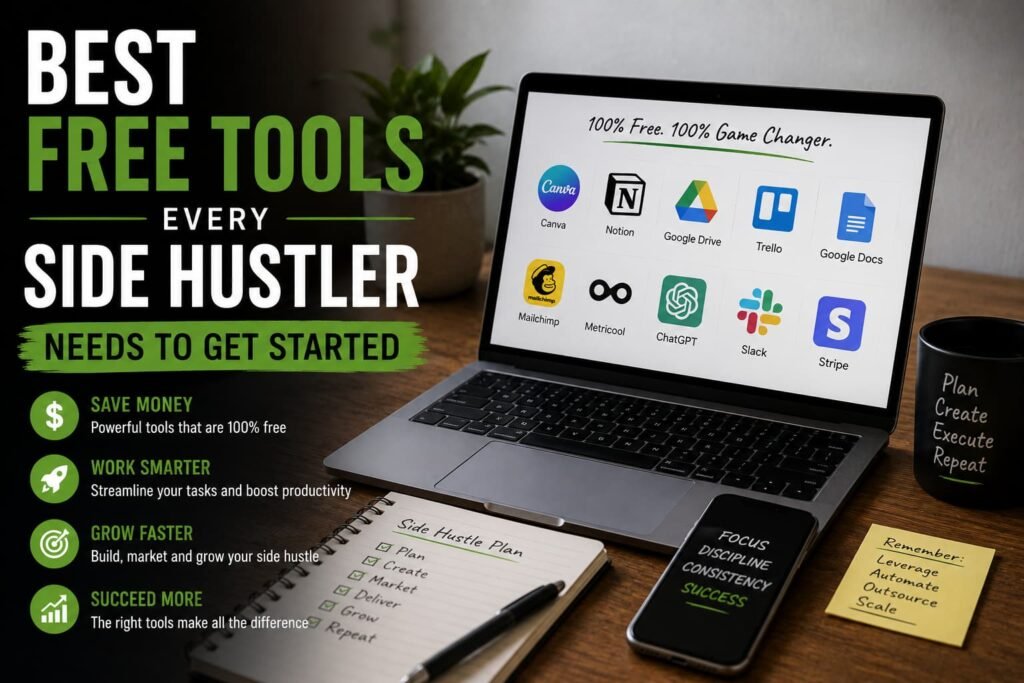
With that said, knowing the right free tools for side hustlers saves you from overspending early or wasting time on weak options. What follows is organised not as a long list of apps but around the things a side hustler actually has to do — create, get organised, get paid and look professional. Everything here has a real free tier that is enough to start with, verified as of 2026.
For Creating: Writing, Thinking and Design
Most side hustles involve producing something — words, images, plans, content. The free tools for side hustlers in this category have become good enough that paying for these jobs at the start is rarely necessary.
Writing and Thinking
For writing, research and working through ideas, the major AI assistants all have genuinely useful free tiers in 2026. ChatGPT’s free plan covers most writing and research tasks, though heavy use hits rate limits during the day. Claude’s free tier is widely rated the strongest for writing quality and clean drafting. Perplexity’s free version is built for research, giving cited, source-backed answers — useful when you need facts rather than prose. For a side hustler, one of these handles first drafts, brainstorming, outlining and research without any subscription.
The honest caveat: use AI for the draft and the donkey work, then add your own expertise and voice before anything goes to a client or reader.
Design
Canva’s free plan is the single most useful design tool among the free tools for side hustlers, and it covers roughly 80% of what most people need — social graphics, logos, simple branding, presentations, product mockups, printables. It includes basic AI features and a limited amount of text-to-image generation on the free tier. For someone selling on Etsy, running social accounts, or making content, Canva alone removes the need for any paid design software at the start.
A genuine gap worth knowing about: there are no good free AI video tools in 2026. The well-known video generators all run on tight paid credits or locked free trials. None produce genuinely useful output for free. If your side hustle truly needs AI video, expect to pay — but most do not. Free screen-recording or simple editing tools cover ordinary video needs without it. Do not let the search for a free AI video tool become another week of procrastination.
For Getting Organised and Managing the Work
A side hustle run alongside a full-time job lives or dies on staying organised in small pockets of time. The free tools for side hustlers in this category keep the work from slipping through the cracks.
Google Workspace’s free tier — Gmail, Docs, Sheets, Drive and Calendar — is the practical backbone for most side hustlers. It handles documents, spreadsheets, file storage and a professional email address at no cost. For task and project management, Trello’s free plan offers simple, visual Kanban boards that are ideal for tracking what needs doing without complexity. Notion’s free plan works very well for a solo operator who wants notes, planning and light databases in one place.
You do not need both Trello and Notion — pick whichever fits how your mind works and ignore the other. For anyone billing by time, Toggl Track’s free tier handles time tracking simply. It matters both for understanding your true hourly rate and for billing clients accurately.
Resist the urge to adopt every organisation tool at once. One place for documents, one for tasks, and one for time is plenty to start. A side hustler with three well-used free tools is far better organised than one who spent a weekend setting up six and abandoned half of them. Add tools only when a real need appears, not in anticipation of one.
For Getting Paid and Looking Professional
This is where free tools for side hustlers genuinely punch above their weight. Looking professional and getting paid cleanly used to require paid software. In 2026, it no longer does.
For invoicing and basic accounting, Wave is the standout. It offers genuinely free, professional invoicing and accounting. A side hustler can send polished invoices and track income without paying for something like QuickBooks at the start. For a freelancer or service-based side hustle, this covers the money side until the business is large enough to justify more. For scheduling — booking calls or appointments without the back-and-forth of finding a time — Calendly’s free tier lets clients pick a slot from your availability. It looks professional and saves real time.
For anyone managing social media as part of the hustle, Buffer’s free plan allows scheduling posts across accounts so your presence stays consistent without you being online constantly. Together, these mean a side hustler can invoice cleanly, schedule professionally and maintain a steady social presence for nothing — the things that make a one-person operation look established to clients and customers.
Where Free Stops Being Enough
Free tiers are genuinely sufficient to start, but it is honest to say where you will eventually hit a wall. Most free plans cap something — the number of projects, the volume of AI generations, the storage, the number of scheduled posts, or the team size. For a solo side hustler starting out, those caps rarely bite. That is exactly why free is the right choice at the beginning.
The sensible rule is to upgrade only when a tool’s free limit is actively costing you money or opportunities. Upgrade when Canva’s image cap genuinely slows your output, or when a feature behind the paywall would directly earn more than it costs. Upgrading before that point is spending money to feel professional rather than to be more profitable. Let the side hustle’s own growth tell you when to pay, rather than paying upfront in the hope it will grow.
The Tools Are Ready. Starting Is the Only Part They Can’t Do.
Every free tool on this list is genuinely useful and enough to run a real side hustle from day one. That means the cost of starting is no longer a reason to wait. However, none of these tools make the side hustle. They make the work easier once you are doing it. A free design tool does not design — it helps you design. A free invoicing app does not earn — it bills for work you already did.
So take the handful that match what you need to do, set them up in an afternoon, and then close the tabs and go do the actual thing. The side hustler who starts today with three free tools for side hustlers is far ahead of the one still assembling the perfect stack next month. The tools are ready when you are. Starting is the only part they cannot do for you.
For a broader look at what you can actually build once the tools are in place, the guide on passive income for 9-5 workers covers every income stream worth considering. And for a specific look at how Canva becomes a side hustle in itself, the article on best digital products to create once and sell forever walks through the full opportunity. For a practical guide to starting on Fiverr with the skills these tools help you develop, the article on Fiverr for beginners covers the cold-start problem directly.